
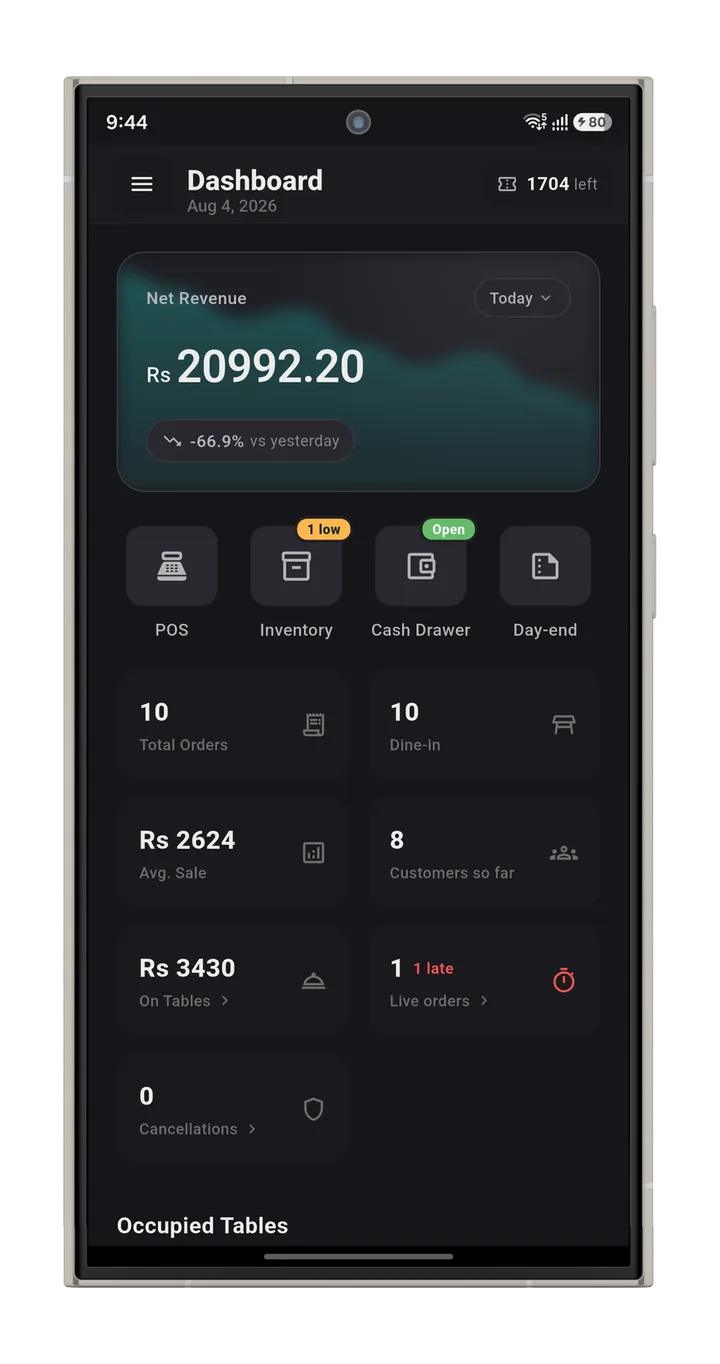
Get RestroEngine.
Use RestroEngine on Android and iOS phones and tablets. You can also use it on a Windows computer at the counter. Put it on as many devices as you want. It costs nothing extra. All devices update at the same time.
RestroEngine POS is our desktop app for the counter. It runs on Windows 10 and 11. Sign in with the same account. It updates by itself.
What you need
- An Android phone or tablet with Android 7.0 or newer, or an iPhone or iPad with iOS 15 or newer
- For the counter, a computer with Windows 10 or 11
- Wifi in the restaurant
- A thermal printer, if you want to print bills and kitchen tickets. Most network thermal printers work.
Which printers work
RestroEngine prints to normal ESC/POS thermal printers. It works with 58mm and 80mm paper. Most receipt and kitchen printers sold today are like this. Network printers work right away over wifi or a cable. You can connect a printer to the counter computer with USB. Then all other devices can use it through the print hub. So you do not need a printer at every station.
Works with Epson (TM-T20, TM-T82, TM-T88 series), Xprinter, Rongta, Star Micronics, Bixolon, HPRT, Gprinter, Citizen, and other ESC/POS printers. Do you have a different printer? Send us the brand and model. We will check it before you set up.
Set up for the first time
- 01
Install the app and create your account
- 02
Add your restaurant details, money type, and time zone
- 03
Add your menu and set up your tables
- 04
Connect your printer and choose print areas
- 05
Add your staff and set what they can do
- 06
Take your first order
We help you set up for free. Is your menu long? Contact support and we will help you add it.